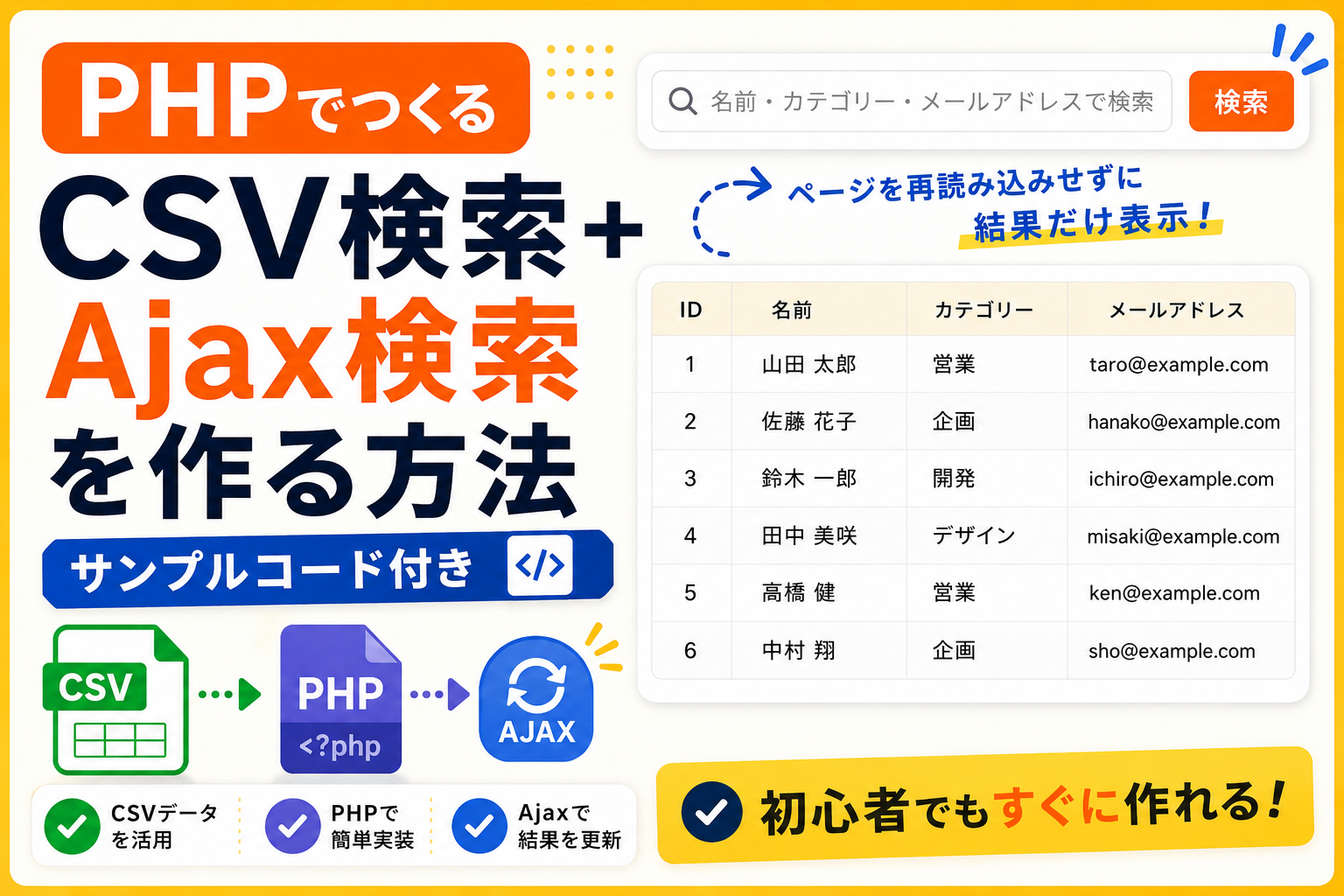
PHPでCSV検索+Ajax検索を作る方法【サンプルコード付き】
PHPでCSVファイルを読み込み、Ajaxを使って検索結果を表示する方法を紹介します。通常の検索フォームでは検索するたびにページ全体が再読み込みされますが、Ajaxを使うと検索結果部分だけを更新できます。検索ボタンを押すだけでCSVデータを非同期で取得し、該当するデータを一覧表示できます。データベースを使わずに、CSVだけでAjax検索機能を作りたい場合に使えるサンプルコードです。
コードについて
本記事のコードはサンプルコードです。ご利用前に必ず動作確認を行ってください。
免責事項 本コードの利用により発生した損害について、当サイトは一切の責任を負いません。
免責事項 本コードの利用により発生した損害について、当サイトは一切の責任を負いません。
デモ
データ件数:6件
| ID | 名前 | カテゴリー | メールアドレス |
|---|
コードをコピーして使おう!
<?php

if (isset($_GET['ajax'])) {

    $keyword = $_GET['keyword'] ?? '';
    $rows = [];

    if (($fp = fopen('data.csv', 'r')) !== false) {

        while (($data = fgetcsv($fp)) !== false) {

            if (
                $keyword === '' ||
                stripos(implode(' ', $data), $keyword) !== false
            ) {
                $rows[] = $data;
            }

        }

        fclose($fp);

    }

    header('Content-Type: application/json; charset=UTF-8');
    echo json_encode($rows, JSON_UNESCAPED_UNICODE);
    exit;

}

?>

<!DOCTYPE html>
<html lang="ja">
<head>
<meta charset="UTF-8">
<title>CSV検索+Ajax検索</title>

<style>
body{
    font-family:sans-serif;
    margin:20px;
}

.search-form{
    display:flex;
    gap:12px;
    margin-bottom:24px;
}

.search-input{
    flex:1;
    padding:14px 16px;
    border:1px solid #d1d5db;
    border-radius:10px;
    font-size:16px;
}

.search-btn{
    border:none;
    background:#ff6a00;
    color:#fff;
    font-weight:700;
    padding:0 24px;
    border-radius:10px;
    cursor:pointer;
    font-size:16px;
}

.status{
    margin-bottom:16px;
    font-size:14px;
    color:#64748b;
}

.table-wrap{
    border:1px solid #e5e7eb;
    border-radius:20px;
    overflow:hidden;
}

table{
    width:100%;
    border-collapse:collapse;
}

th{
    background:#f7f2e5;
}

th,
td{
    padding:20px;
    text-align:left;
    border-bottom:1px solid #e5e7eb;
}
</style>

</head>
<body>

<form id="ajaxSearchForm" class="search-form">

    <input
        type="text"
        id="keyword"
        class="search-input"
        placeholder="検索キーワードを入力">

    <button type="submit" class="search-btn">
        検索
    </button>

</form>

<div id="status" class="status">
    データを表示しています。
</div>

<div class="table-wrap">

<table>

    <thead>
        <tr>
            <th>ID</th>
            <th>名前</th>
            <th>カテゴリー</th>
            <th>メールアドレス</th>
        </tr>
    </thead>

    <tbody id="resultBody"></tbody>

</table>

</div>

<script>
(function(){

    const form = document.getElementById('ajaxSearchForm');
    const keyword = document.getElementById('keyword');
    const tbody = document.getElementById('resultBody');
    const status = document.getElementById('status');

    async function search(){

        status.textContent = 'Ajax通信中...';

        const params = new URLSearchParams({
            ajax: '1',
            keyword: keyword.value
        });

        const response = await fetch('index.php?' + params.toString());
        const rows = await response.json();

        tbody.innerHTML = rows.map(row => `
            <tr>
                <td>${row[0]}</td>
                <td>${row[1]}</td>
                <td>${row[2]}</td>
                <td>${row[3]}</td>
            </tr>
        `).join('');

        status.textContent = `検索結果:${rows.length}件`;

    }

    form.addEventListener('submit',function(e){
        e.preventDefault();
        search();
    });

    search();

})();
</script>

</body>
</html>
コードをコピーする場合
使用するコードのタブを選び、「このタブをコピー」をクリックすると、現在表示中のコードをコピーできます。
サンプル一式を取得する場合 HTML・CSSなどすべてのファイルが必要な場合は、「サンプル一式をダウンロード」をクリックしてください。
サンプル一式を取得する場合 HTML・CSSなどすべてのファイルが必要な場合は、「サンプル一式をダウンロード」をクリックしてください。
Q ダウンロードしたけど、これをネット上で動かすにはどうするの?
A
Googleアカウントがあれば、InfinityFreeで無料サーバーを作成して、ダウンロードしたサンプルをネット上で動かせます。
InfinityFreeを初めて利用する場合は①から、すでにサーバーを作成している場合は②へ進んでください。
ファイル構成と設置方法
このサンプルで使用するファイル構成です。
下記のファイルを同じフォルダ(同じ階層)へ配置してください。
sample/
├─ index.php
└─ data.csv
index.php と data.csv を同じフォルダへ配置してください。
index.phpへアクセスすると検索ボタンを押したときにAjax通信が実行され、CSVデータを検索して結果のみを更新します。ページ全体は再読み込みされません。
PHPはサーバー上で実行されるため、PHPファイルをダブルクリックしても動作しません。動作確認はレンタルサーバーへアップロードするか、PHPが利用できるローカル環境で行ってください。
.png)
コメント