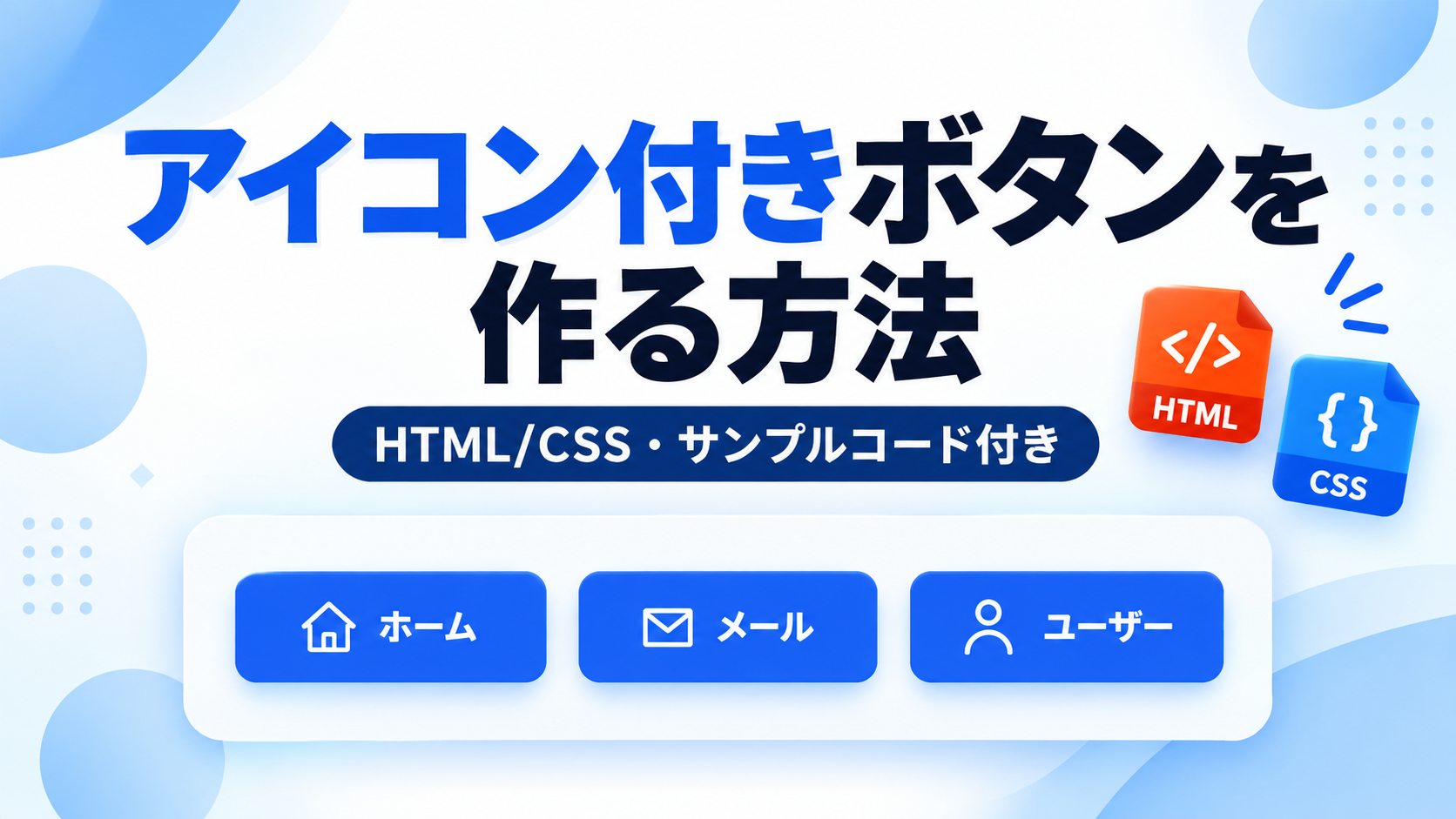
アイコン付きボタンを作る方法
アイコン付きボタンを作る方法を紹介します。ボタンの中にアイコンとテキストを並べることで、ボタンの意味を視覚的に伝えやすくなります。文字だけのボタンよりも用途が分かりやすく、ダウンロード、送信、検索、詳細表示など、さまざまな操作ボタンに活用できます。
このサンプルでは、HTMLとCSSだけを使ってアイコン付きボタンを作成します。アイコン部分にはテキスト記号を使い、CSSの display:flex; と gap でアイコンと文字を横並びにします。JavaScriptや外部アイコンライブラリを使わないため、シンプルに導入できます。
WebサイトのCTAボタン、フォームの送信ボタン、一覧ページの詳細ボタンなど、ユーザーに操作内容を分かりやすく伝えたい場面で便利です。アイコン、色、余白、角の丸み、文字サイズはCSSから変更できるため、サイトのデザインに合わせてカスタマイズできます。
免責事項 本コードの利用により発生した損害について、当サイトは一切の責任を負いません。
デモ
3種類のSVGアイコン付きボタンを確認できます。
Q 他のアイコンを使いたい場合はどうするの?
無料のSVGアイコン作成ツールを使って、用途に合ったアイコンを作成できます。
コードをコピーして使おう!
<!DOCTYPE html>
<html lang="ja">
<head>

  <!-- 文字コード -->
  <meta charset="UTF-8">

  <!-- スマートフォン対応 -->
  <meta name="viewport" content="width=device-width, initial-scale=1.0">

  <!-- ページタイトル -->
  <title>アイコン付きボタン</title>

  <!-- CSSファイル -->
  <link rel="stylesheet" href="style.css">

</head>
<body>

  <!-- アイコン付きボタン一覧 -->
  <div class="icon-button_list">

    <!-- ホームボタン -->
    <a
      class="icon-button_link"
      href="#">

      <!-- ホームアイコン -->
      <svg
        class="icon-button_icon"
        viewBox="0 0 24 24"
        aria-hidden="true">
        <path d="M12 3 3 10h2v10h5v-6h4v6h5V10h2z"></path>
      </svg>

      ホーム

    </a>

    <!-- メールボタン -->
    <a
      class="icon-button_link"
      href="#">

      <!-- メールアイコン -->
      <svg
        class="icon-button_icon"
        viewBox="0 0 24 24"
        aria-hidden="true">
        <path d="M4 4h16v16H4z"></path>
        <path d="m4 6 8 7 8-7"></path>
      </svg>

      メール

    </a>

    <!-- ユーザーボタン -->
    <a
      class="icon-button_link"
      href="#">

      <!-- ユーザーアイコン -->
      <svg
        class="icon-button_icon"
        viewBox="0 0 24 24"
        aria-hidden="true">
        <path d="M12 3a4 4 0 1 1 0 8 4 4 0 0 1 0-8z"></path>
        <path d="M5 21c0-4 3.1-7 7-7s7 3 7 7"></path>
      </svg>

      ユーザー

    </a>

  </div>

</body>
</html>サンプル一式を取得する場合 HTML・CSSなどすべてのファイルが必要な場合は、「サンプル一式をダウンロード」をクリックしてください。
Q ダウンロードしたけど、これをネット上で動かすにはどうするの?
Googleアカウントがあれば、InfinityFreeで無料サーバーを作成して、ダウンロードしたサンプルをネット上で動かせます。
InfinityFreeを初めて利用する場合は①から、すでにサーバーを作成している場合は②へ進んでください。
ファイル構成と設置方法
このサンプルはHTMLとCSSの2ファイルで構成されています。HTMLではa要素の中にSVGアイコンと文字を配置し、ホーム・メール・ユーザーの3種類のアイコン付きボタンを作成します。CSSでは3つのボタンを同じ横幅に揃え、アイコンと文字を横方向に並べて中央へ配置します。
sample/
    ├── index.html
    └── style.css
各ファイルの役割
index.htmlは3つのアイコン付きボタンを配置するファイルです。各a要素の文字を変更でき、href="#"を変更するとそれぞれ異なるリンク先を設定できます。SVGのpathを変更すると、用途に合わせて別のアイコンへ変更できます。
style.cssはボタンとSVGアイコンのデザインを設定するファイルです。3つのボタンの横幅、内側余白、背景色、文字色、角丸、文字サイズ、ボタン同士の間隔、アイコンのサイズや線の太さなどを変更できます。
設置方法・使い方
sampleフォルダへindex.htmlとstyle.cssを配置します。2つのファイルを同じ階層へ保存したあと、sample/index.htmlをブラウザで開いてください。ホーム・メール・ユーザーの3つのSVGアイコン付きボタンが表示されます。実際にリンクとして使用する場合は、それぞれのa要素にあるhref="#"を移動先のURLへ変更してください。
カスタマイズできる内容
index.htmlではボタンに表示する文字、リンク先、SVGアイコンを変更できます。style.cssではボタンの横幅、内側余白、背景色、文字色、文字サイズ、角丸、ボタン同士の間隔、アイコンと文字の間隔を変更できます。SVGアイコンはwidthとheightで大きさを変更でき、stroke-widthで線の太さを調整できます。
数値調整
style.css
padding:40px 20px;
ページ全体の内側余白です。上下の40pxを大きくすると上下の余白が広がり、左右の20pxを大きくすると画面端との間隔が広がります。
gap:16px;
3つのボタン同士の間隔です。値を大きくするとボタン同士が離れ、小さくすると近くなります。
gap:8px;
SVGアイコンと文字の間隔です。値を大きくするとアイコンと文字が離れ、小さくすると近くなります。
width:150px;
3つのボタンに共通する横幅です。値を大きくするとすべてのボタンが横に広がり、小さくすると狭くなります。
padding:14px 28px;
ボタンの内側余白です。上下の14pxを大きくするとボタンが高くなり、左右の28pxを大きくすると内部の余白が広がります。
border-radius:10px;
ボタンの角丸です。値を大きくすると丸みが強くなり、0にすると角丸のない四角いボタンになります。
font-size:16px;
ボタンの文字サイズです。値を大きくすると文字が大きくなり、小さくすると文字が小さくなります。
width:20px;・height:20px;
SVGアイコンの大きさです。両方の値を同じように大きくするとアイコンが大きくなり、小さくするとアイコンも小さくなります。
stroke-width:2;
SVGアイコンの線の太さです。値を大きくすると線が太くなり、小さくすると細くなります。
レスポンシブ対応
このサンプルはレスポンシブ対応です。style.cssのflex-wrap:wrap;により、3つのボタンを横方向へ並べるスペースが不足すると折り返して表示されます。また、640px以下ではメディアクエリによってflex-direction:column;へ変更し、3つのボタンを縦方向へ並べて中央に配置するため、スマートフォン・タブレット・PCで利用できます。
.png)
コメント