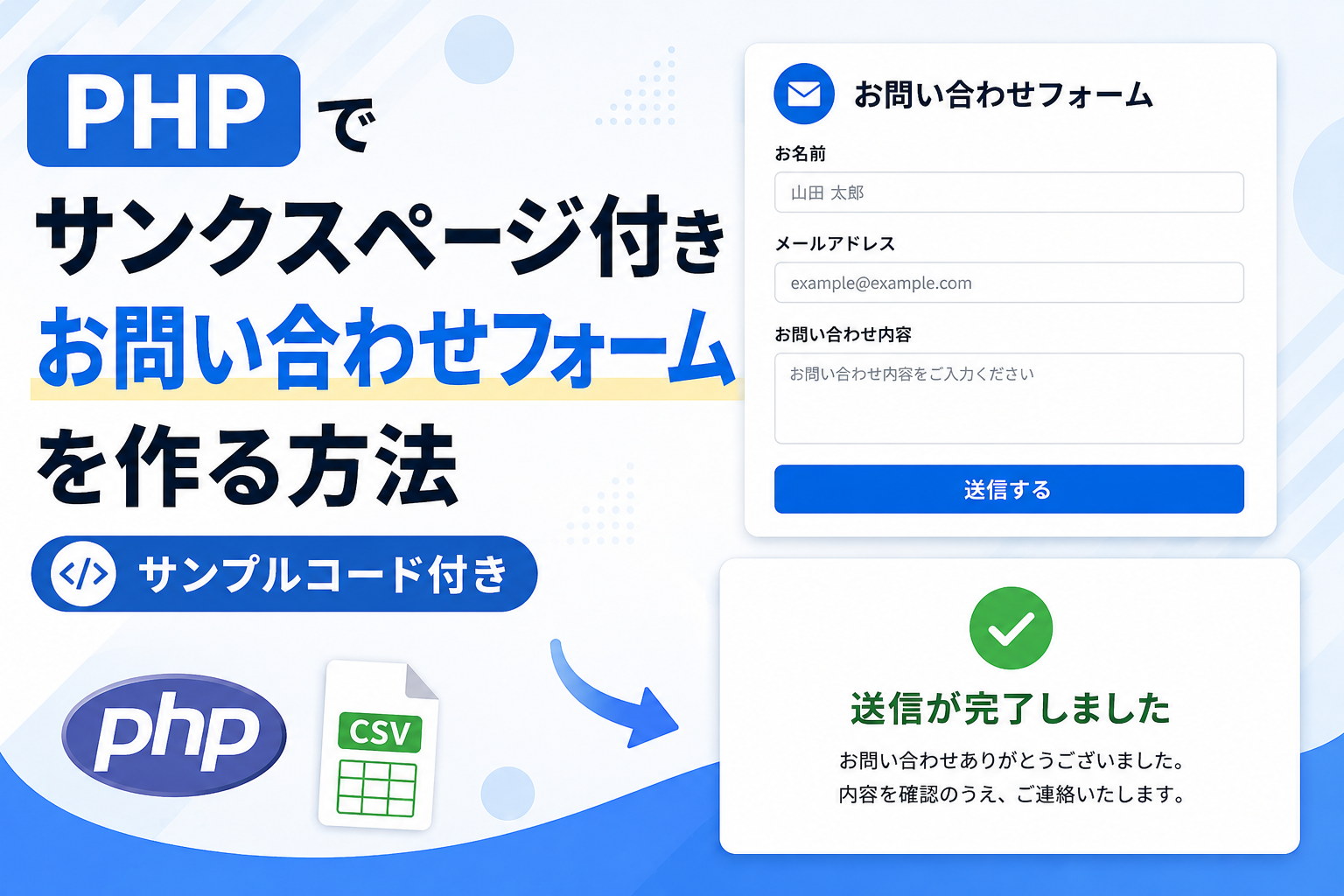
PHPでサンクスページ付きお問い合わせフォームを作る方法
PHPでサンクスページ付きのお問い合わせフォームを作る方法を紹介します。フォーム送信後に完了画面へ移動できるため、送信完了を分かりやすく表示できます。お問い合わせフォームや申し込みフォーム、資料請求フォームなどを作りたい場合に使えるサンプルです。
コードについて
本記事のコードはサンプルコードです。ご利用前に必ず動作確認を行ってください。
免責事項 本コードの利用により発生した損害について、当サイトは一切の責任を負いません。
免責事項 本コードの利用により発生した損害について、当サイトは一切の責任を負いません。
デモ
お問い合わせフォーム
送信が完了しました
お問い合わせありがとうございました。
内容を確認のうえ、ご連絡いたします。
コードをコピーして使おう!
<?php

// CSVファイルのパスを設定します
$csv_file = 'data.csv';

// フォームが送信された場合の処理です
if ($_SERVER['REQUEST_METHOD'] === 'POST') {

    // 入力内容を取得します
    $name = trim($_POST['name'] ?? '');
    $email = trim($_POST['email'] ?? '');
    $message = trim($_POST['message'] ?? '');

    // 必須チェックを行います
    if (
        $name !== '' &&
        $email !== '' &&
        $message !== '' &&
        filter_var($email, FILTER_VALIDATE_EMAIL)
    ) {

        // CSVへ追記保存します
        $fp = fopen($csv_file, 'a');

        if ($fp) {

            fputcsv($fp, [
                date('Y-m-d H:i:s'),
                $name,
                $email,
                $message
            ]);

            fclose($fp);
        }

        // サンクスページへ移動します
        header('Location: ?thanks=1');
        exit;
    }
}

// サンクスページ表示判定です
$is_thanks = isset($_GET['thanks']);

?>
<!DOCTYPE html>
<html lang="ja">
<head>
<meta charset="UTF-8">
<title>サンクスページ付きお問い合わせフォーム</title>

<style>

body{
    font-family:sans-serif;
    background:#f8fafc;
    margin:40px;
}

.php-contact-form-thanks_wrap{
    max-width:600px;
    margin:0 auto;
    padding:24px;
    border:1px solid #e5e7eb;
    border-radius:18px;
    background:#fff;
}

.php-contact-form-thanks_title{
    font-size:24px;
    font-weight:bold;
    margin-bottom:20px;
}

.php-contact-form-thanks_field{
    margin-bottom:15px;
}

.php-contact-form-thanks_label{
    display:block;
    font-weight:bold;
    margin-bottom:6px;
}

.php-contact-form-thanks_input,
.php-contact-form-thanks_textarea{
    width:100%;
    box-sizing:border-box;
    padding:10px;
    border:1px solid #ccc;
    border-radius:8px;
}

.php-contact-form-thanks_textarea{
    min-height:140px;
    resize:vertical;
}

.php-contact-form-thanks_btn{
    width:100%;
    height:46px;
    border:none;
    border-radius:8px;
    background:#0b6bff;
    color:#fff;
    font-size:16px;
    cursor:pointer;
}

.php-contact-form-thanks_complete{
    text-align:center;
    padding:40px 20px;
}

.php-contact-form-thanks_complete h2{
    color:#16a34a;
    margin-bottom:15px;
}

</style>

</head>
<body>

<div class="php-contact-form-thanks_wrap">

<?php if($is_thanks): ?>

    <div class="php-contact-form-thanks_complete">

        <h2>送信が完了しました</h2>

        <p>
            お問い合わせありがとうございました。<br>
            内容を確認のうえ、ご連絡いたします。
        </p>

    </div>

<?php else: ?>

    <div class="php-contact-form-thanks_title">
        お問い合わせフォーム
    </div>

    <form method="post">

        <div class="php-contact-form-thanks_field">
            <label class="php-contact-form-thanks_label">お名前</label>
            <input class="php-contact-form-thanks_input" type="text" name="name" required>
        </div>

        <div class="php-contact-form-thanks_field">
            <label class="php-contact-form-thanks_label">メールアドレス</label>
            <input class="php-contact-form-thanks_input" type="email" name="email" required>
        </div>

        <div class="php-contact-form-thanks_field">
            <label class="php-contact-form-thanks_label">お問い合わせ内容</label>
            <textarea class="php-contact-form-thanks_textarea" name="message" required></textarea>
        </div>

        <button class="php-contact-form-thanks_btn" type="submit">
            送信する
        </button>

    </form>

<?php endif; ?>

</div>

</body>
</html>
コードをコピーする場合
使用するコードのタブを選び、「このタブをコピー」をクリックすると、現在表示中のコードをコピーできます。
サンプル一式を取得する場合 HTML・CSSなどすべてのファイルが必要な場合は、「サンプル一式をダウンロード」をクリックしてください。
サンプル一式を取得する場合 HTML・CSSなどすべてのファイルが必要な場合は、「サンプル一式をダウンロード」をクリックしてください。
Q ダウンロードしたけど、これをネット上で動かすにはどうするの?
A
Googleアカウントがあれば、InfinityFreeで無料サーバーを作成して、ダウンロードしたサンプルをネット上で動かせます。
InfinityFreeを初めて利用する場合は①から、すでにサーバーを作成している場合は②へ進んでください。
ファイル構成と設置方法
このサンプルでは、index.php と data.csv を同じフォルダに配置して使用します。フォーム送信後は入力内容が data.csv に保存され、その後サンクスページへリダイレクトされます。
sample/

├── index.php
└── data.csv
index.php と data.csv を同じフォルダへ配置し、ブラウザから index.php にアクセスしてください。data.csv は事前に作成し、1行目に date,name,email,message を記述しておくと管理しやすくなります。
.png)
コメント